
Add a new user
Role: Site Administrator
Site Administrators can add new users to their Fresco site, assign the right roles, and send notifications so they can get started in minutes.
Related information
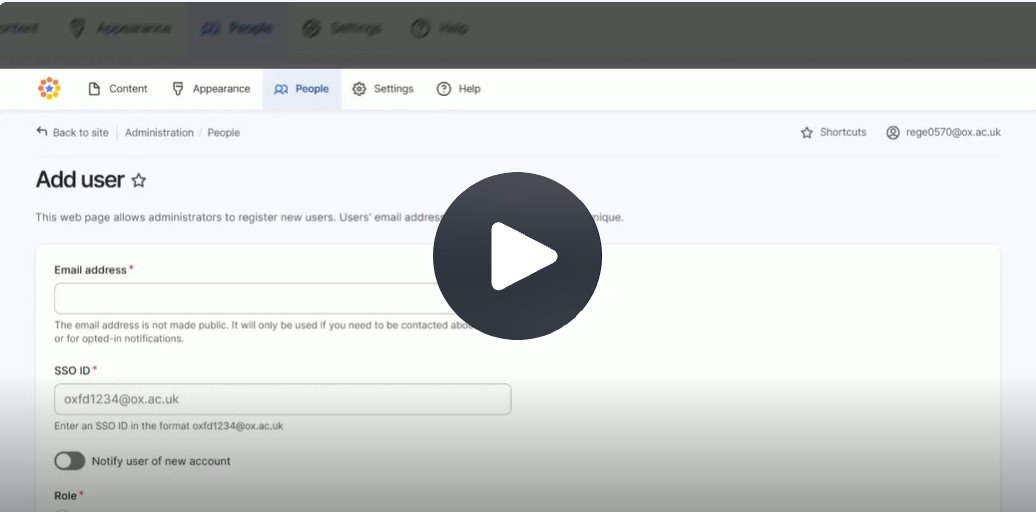
Click Fig. 1 image to view the video on SharePoint Online. Available to users who are logged in to our organisation’s intranet
Viewing a list of users
- As a Site Administrator, you can grant someone a user role on your site
- After signing in, go to People on the Administration ribbon
- Here you can see a list of who currently has a role on your site
Adding a new user
Note: we strongly discourage adding a shared secondary account SSO as a user due to the increased security risk. If an account is added, it is the Site Owner's responsibility to ensure compliance with University IT Regulations. The head of your unit must approve the sharing of credentials per 6. (2) The Site Owner should keep records of the use and distribution of any shared credentials.
- To add a new user, select the Add User button in the top right-hand corner
- You'll need to enter information about your new user
- First their email address. Next, the SSO ID. This is in the format of the SSO username@ox.ac.uk
- Next, toggle on Notify user of new account
- This means the new user will be emailed a link specifying they can sign in using their Oxford SSO credentials
- Select the appropriate role (see User role permissions)
- Only one role can be selected and higher roles inherit all the permissions of lower roles
- Finally, select Create New Account
Changes may have been made to enhance this feature since we last updated this page. See What’s new for the latest release information.
Last updated: 8 September 2026