
Add a table
Role: all editing roles
How to add and format an accessible table.
Related information
How to edit
Add a table
- Add a text component
- Insert a table of your desired rows and columns (Fig. 1)
Table toolbar
- Click anywhere in the table to display the table toolbar:
Image

- Toolbar icons from left to right:
- Header column
- Header row
- Merge and split
- Toggle caption on
Toolbar options
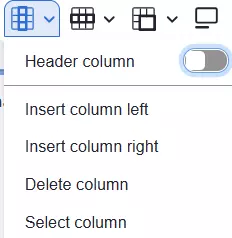
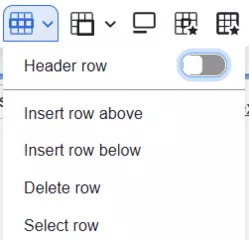
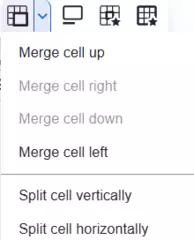

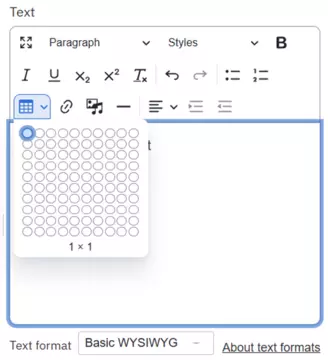
Fig. 1 insert table icon
Add a header row
- Place the cursor on the top row to display the toolbar for the table
- Select the icon for Header row and toggle on Header row (Fig. 2)
- The preview page immediately changes to show the blue-filled header row
Accessibility
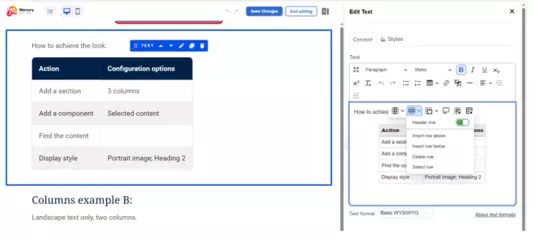
Fig. 2 creating a header row
Changes may have been made to enhance this feature since we last updated this page. See What’s new for the latest release information.
Last updated: 1 October 2026