
Create a custom URL page alias
Role: All editing roles
The primary page alias is automatically generated from a page title. You can replace this with your own custom page alias.
Related information
How to edit
A page alias is automatically created from the page title
There is only one primary page alias to preserve search engine optimisation
To use a custom page alias:
Disable the "Generate automatic URL alias" option (Fig. 1)
Image
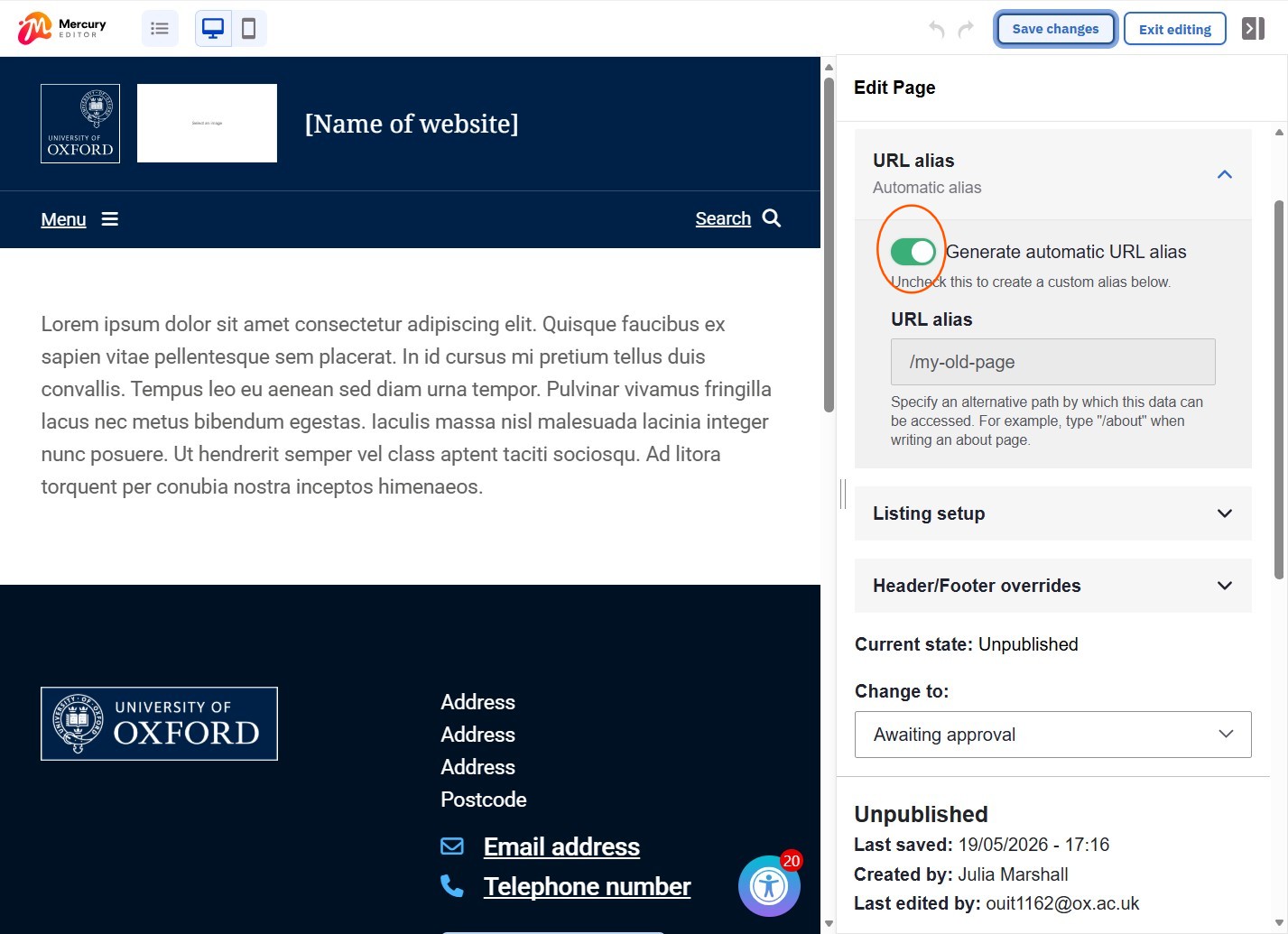
Fig 1. Toggle control for automatically generated URL alias
Clear the existing URL alias from the field (Fig. 2)
Image
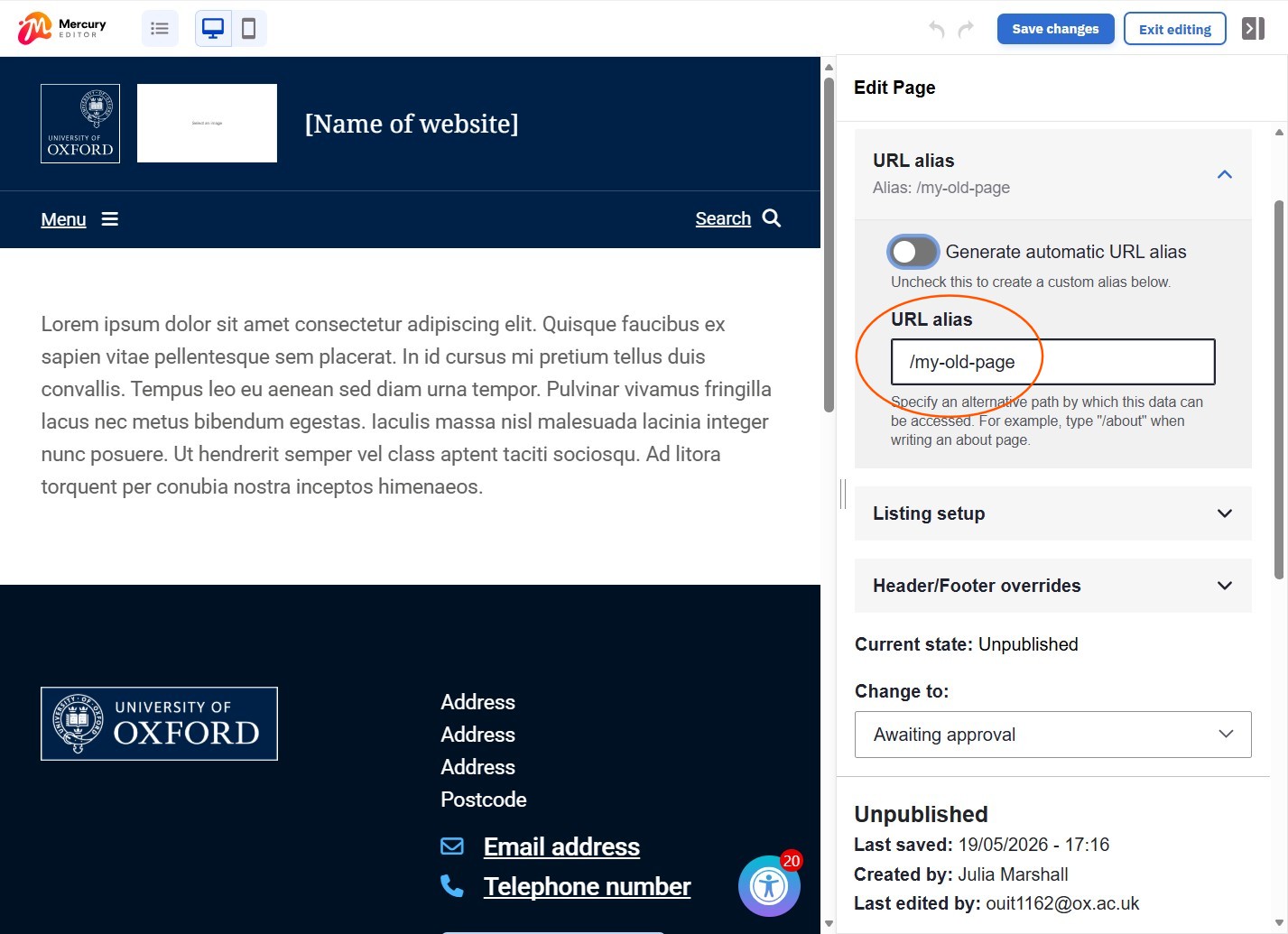
Fig 2. Original auto-generated page alias is available to remove or edit
Add your custom page alias to the "URL alias" field (Fig. 3)
Image
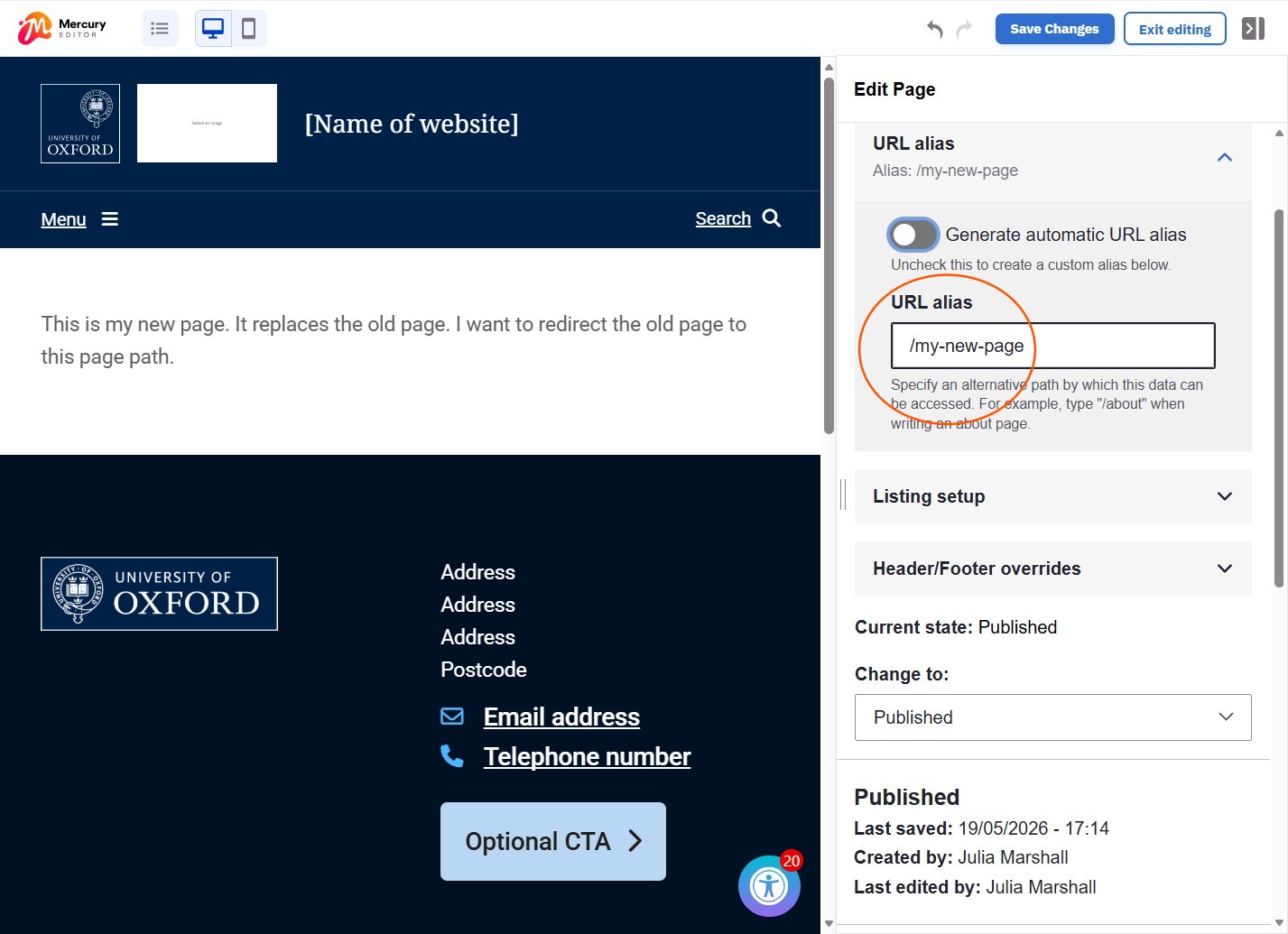
Fig 3. Add your custom page alias to the URL alias field
- Save
- The original page alias is added as a redirect in the URL redirects section of the Edit Pane
- Maintains availability of your content
Site level overview
Site Administrators and Site Managers can go to Settings > URL aliases to:
- view a list of primary page aliases
- edit or delete individual aliases rather than taking action at page level
Changes may have been made to enhance this feature since we last updated this page. See What’s new for the latest release information.
Last updated: 21 May 2026